For those with little to no design experience, Canva can be a good starting point. It can help with overall design concepts, space, font choice, colour palette and spacing.
It is not what professionals use but can be a good starting point if something needs to be made quickly and easily, there are both free and premium options.
Pixlr includes a suite of applications that includes Pixlr Pro, Pixlr Editor, Pixlr X and Pixlr Express.
The primary difference between these versions is ease of use and functionality. The photo editor is designed for basic portrait correction, advanced color grading, drawing and graphic design.
While Pixlr X with simple, automated features is a great choice for beginners, Pixlr Pro resembles Photoshop and offers advanced tools like layers, custom brushes, support for third-party plug-ins, advanced effects, curves, etc.
Photoshop is one of several apps created by Adobe which sits inside their ‘Creative Cloud’. While Photoshop is industry standard it does come at cost. There are student discounts but all require a subscription which has a minimum term of one year (payments can be done monthly).
If you choose to terminate your subscription, there maybe be additional costs to do so (up to $150 per account). This can be prohibitive so must be weighed up against key benefits.
Other software to consider is Adobe InDesign which is used for desktop publishing (*link to Lynda.com training video), Adobe Illustrator which is used for illustration and vector graphics (*link to Lynda.com training video)
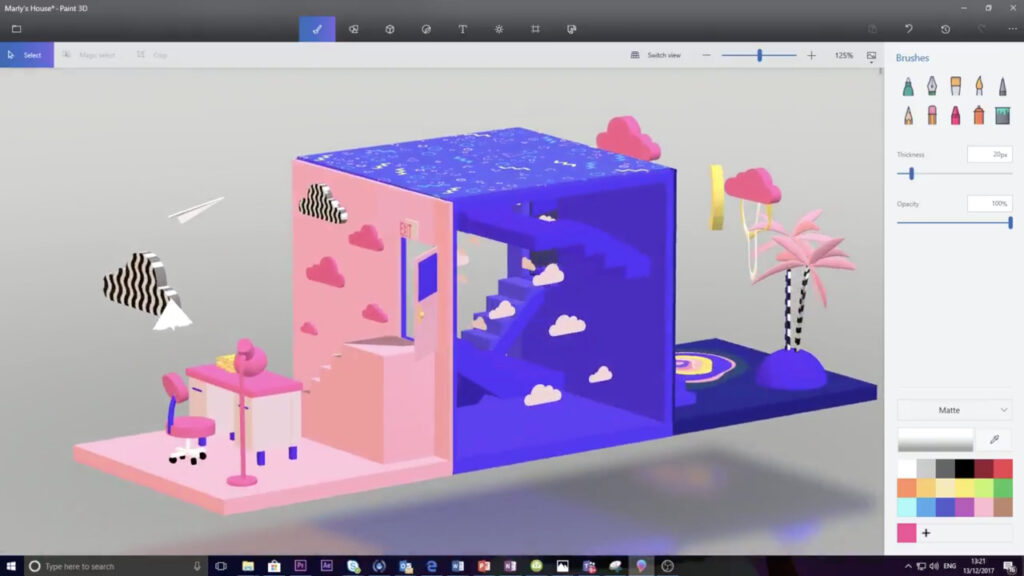
Paint 3D is a built-in creative application that comes free with Windows 10*. It is designed to be simple yet powerful by allowing you to create professional or fun creative projects by easily combining 2D and 3D tools.
Using 3D tools allows students to gain a greater sense of spatial awareness, allowing them to refine their ability to see from alternative perspectives. This is a simple easy to use tool that is accessible to those who have access to a PC running Windows 10*.
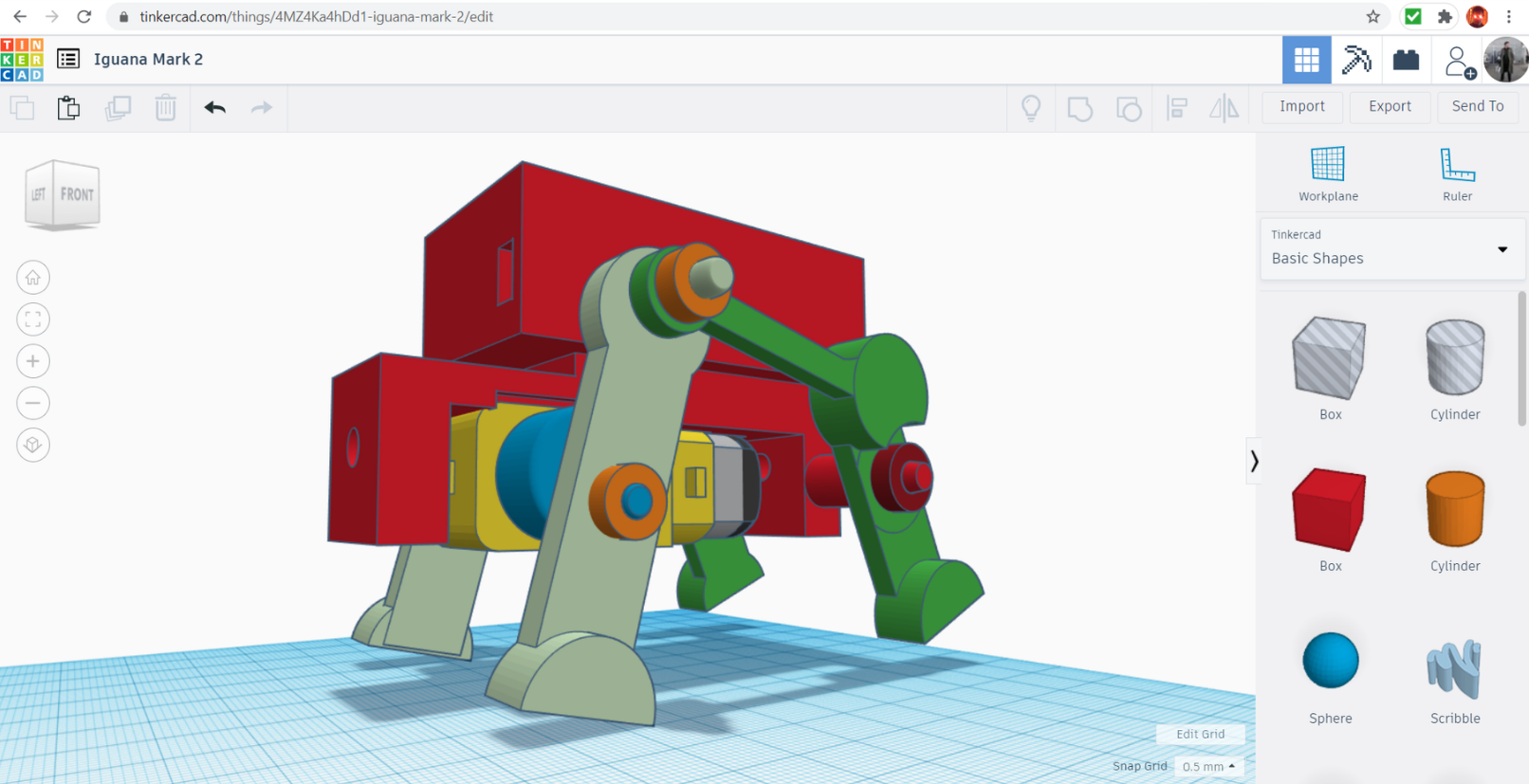
Tinkercad is a free online 3D modeling program that runs in a web browser. Since it became available in 2011 it has become a popular platform for creating models for 3D printing as well as an entry-level introduction to constructive solid geometry in schools.
It can be a good place to start and has a higher level of functionality when compared with Paint 3D.
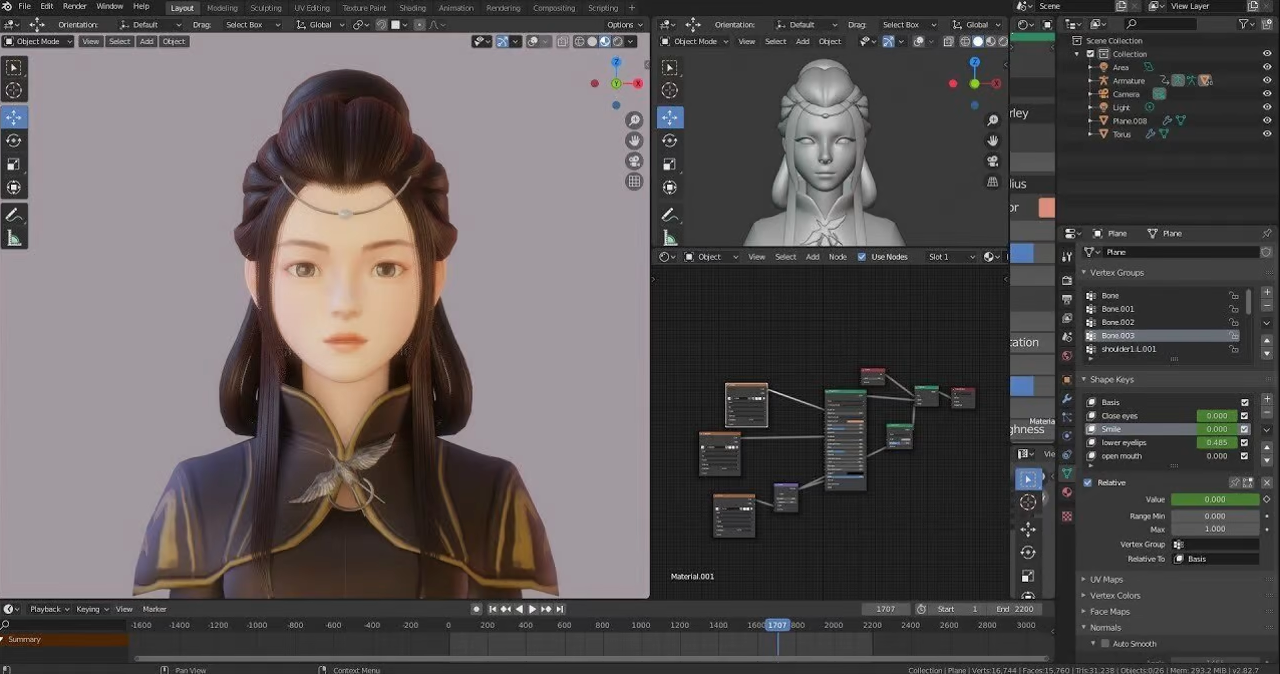
Blender is the free and open source 3D creation suite. It supports the entirety of the 3D pipeline, modeling, rigging, animation, simulation, rendering, compositing and motion tracking, even video editing and game creation.
Blender has a wide variety of tools making it suitable for almost any sort of media production. People and studios around the world use it for hobby projects, commercials, and feature films.
Blender is Free Software. You are free to use Blender for any purpose, including commercially or for education.
Adobe Premiere Pro is a timeline-based video editing software application developed by Adobe Inc. and published as part of the Adobe Creative Cloud licensing program. First launched in 2003, Adobe Premiere Pro is a successor of Adobe Premiere.
Again, if you choose to terminate your subscription, there may be be additional costs to do so (up to $150 per account). This can be prohibitive so must be weighed up against key benefits.